AppleTV
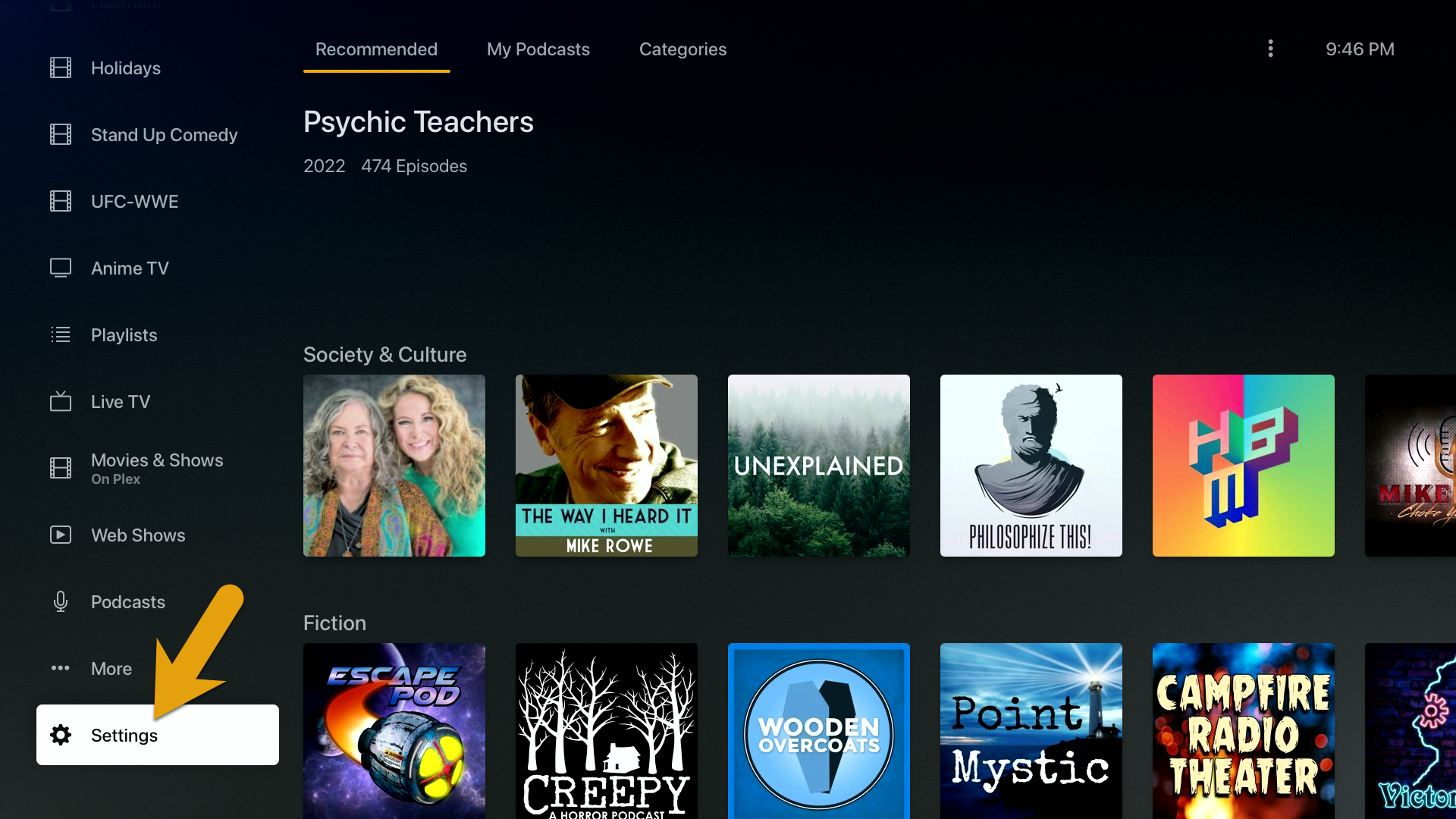
In order to change the Plex video quality settings on your AppleTV device, simply find the “Settings” menu option at the bottom of the home screen in Plex.
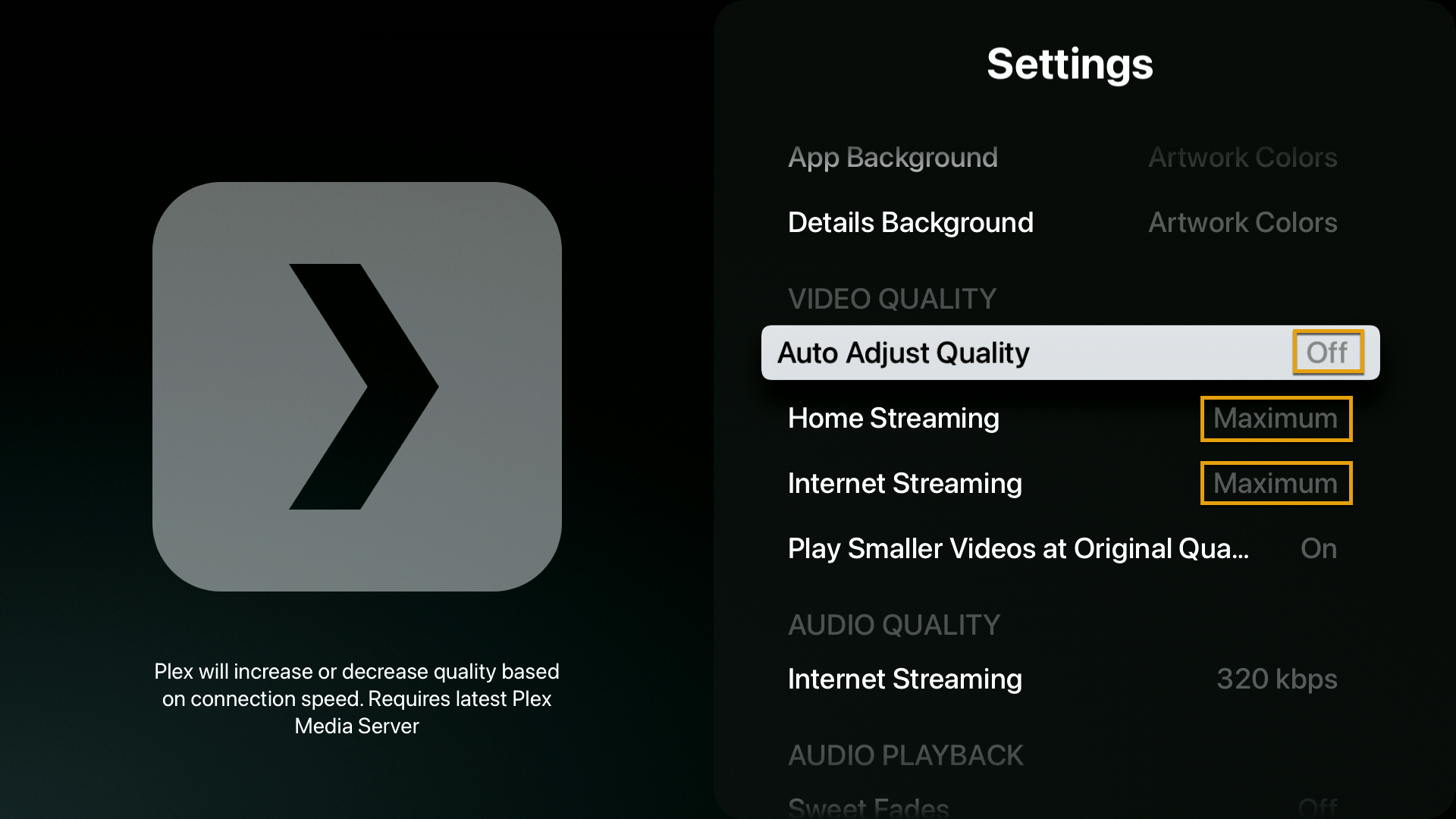
Settings > Video Quality > Internet Streaming
- Auto Adjust Quality > Off
- Local Quality > Maximum
- Remote Quality > Maximum