Skip to main content
Plexify Wiki
View All
Search
Shelves
Books
Log in
Info
Content
Recommended settings p...
Windows & Mac Apps
Page Revisions
Revision #29 Changes
Windows & Mac Apps
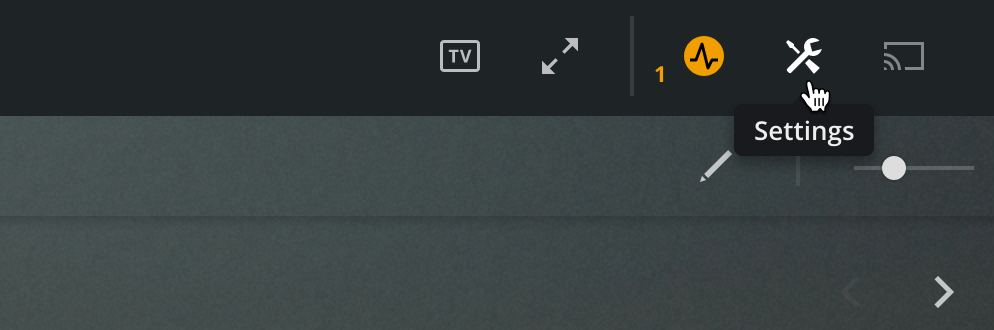
In order to change the Plex video quality settings in the Plex Windows/Mac App, simply find the settings menu at the upper right hand corner within Plex.
image as of 5/12/2020
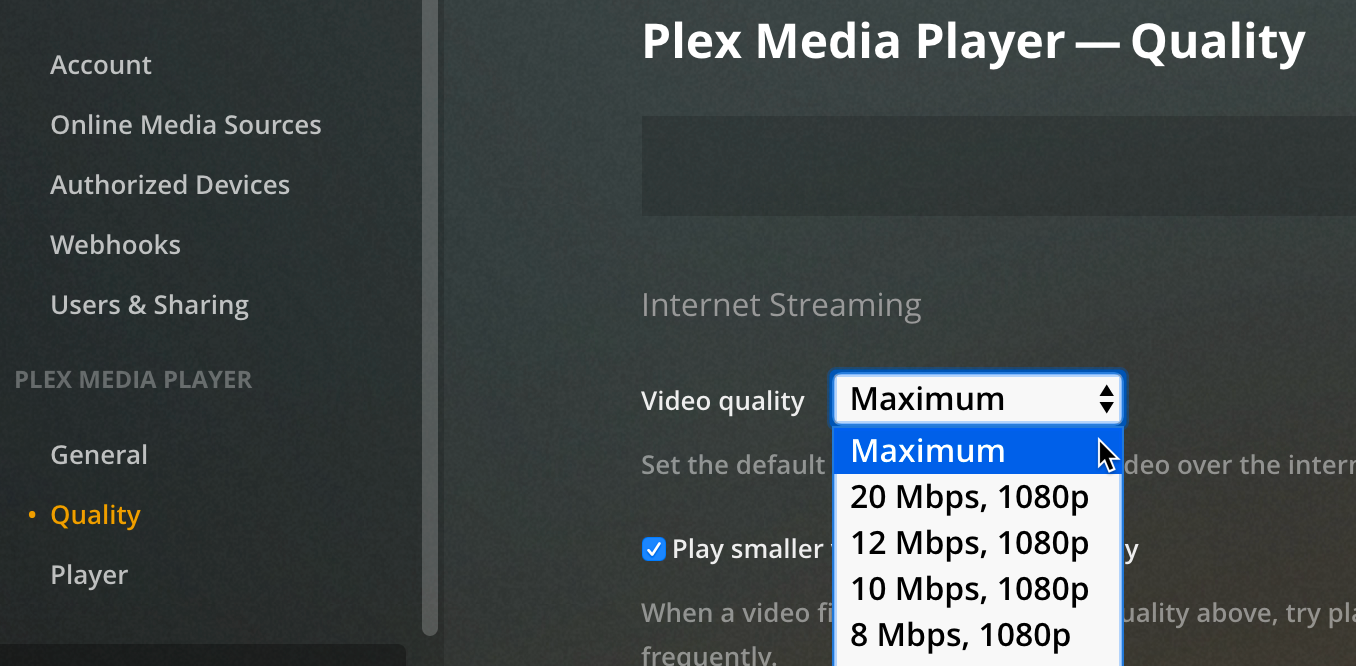
Settings > Quality>
Video quality:
Maximum
Back to top